



One-click launch
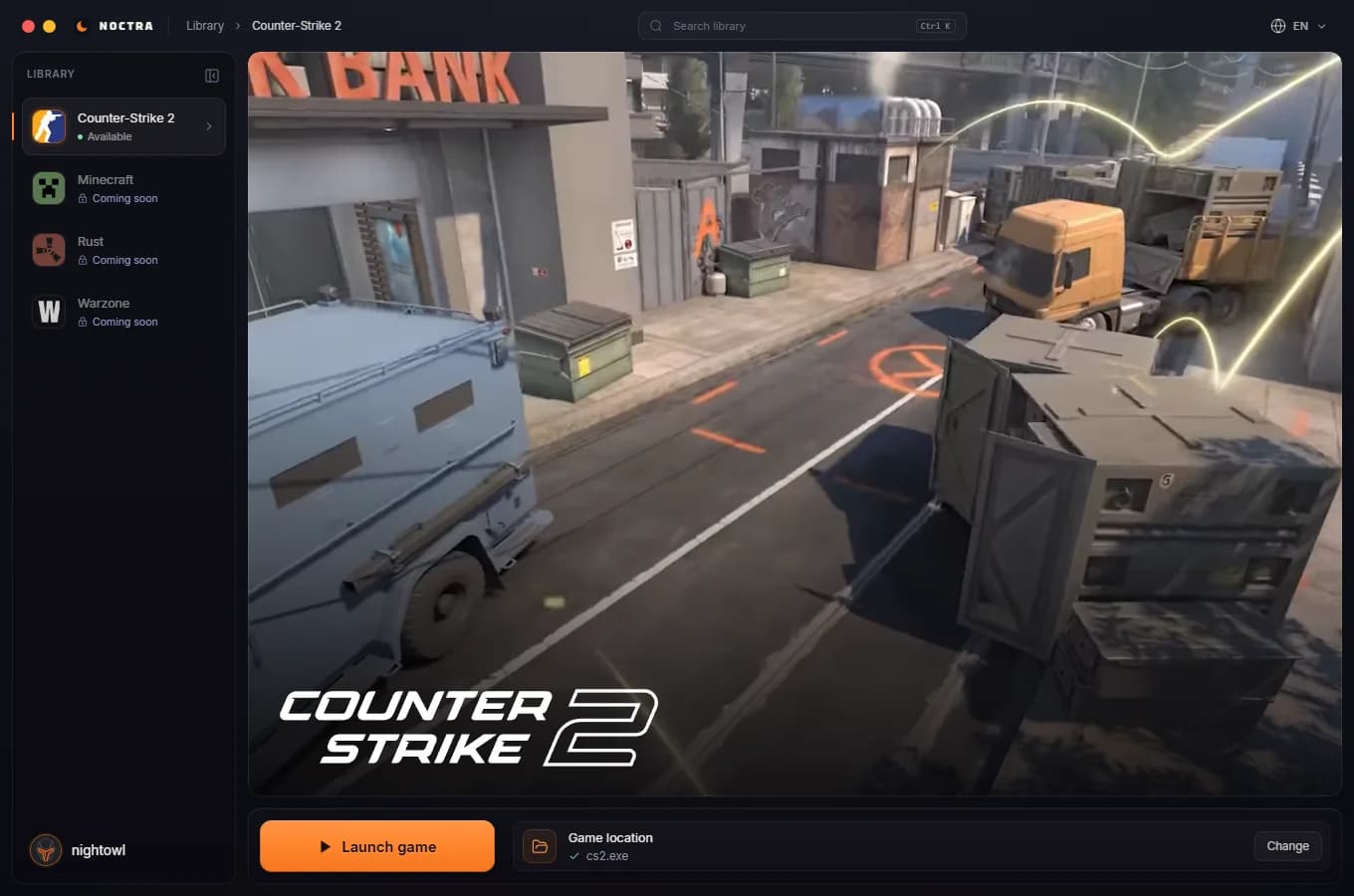
Select the CS2 executable once. Press Launch to verify your license and prepare the game, with progress and cancellation in the same window.
The Noctra launcher keeps your license, launch controls and updates in one window. Install it once, press Launch and play.
Windows 10/11 · 64-bit
Free to install. A license unlocks Counter-Strike 2.
Follow license verification and game preparation in the loader before Counter-Strike 2 opens.
Screens captured from the Noctra loader. Browse the library, your license page and settings to see the interface you use on your PC.
Pick a game in the sidebar; its scene fills the window and Launch game sits right below.
Open full-size image ↗The launcher takes care of the chores, so the only thing left for you is the match.
Select the CS2 executable once. Press Launch to verify your license and prepare the game, with progress and cancellation in the same window.
The loader checks the published release when it opens. Signed files are verified before an update is applied. Reopen the launcher to receive the latest published version.
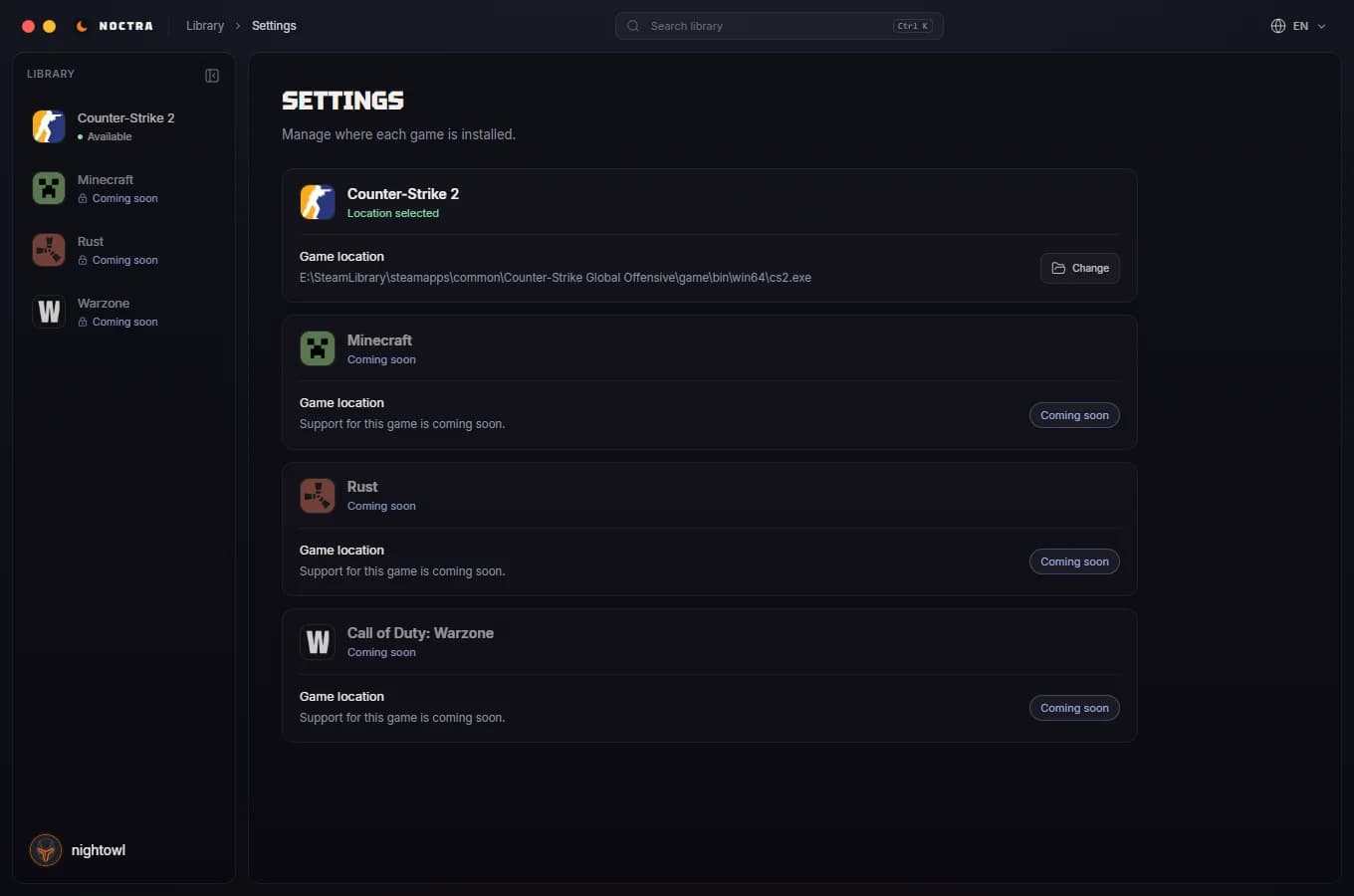
Set where each game is installed in Settings and switch between seven interface languages from the title bar.
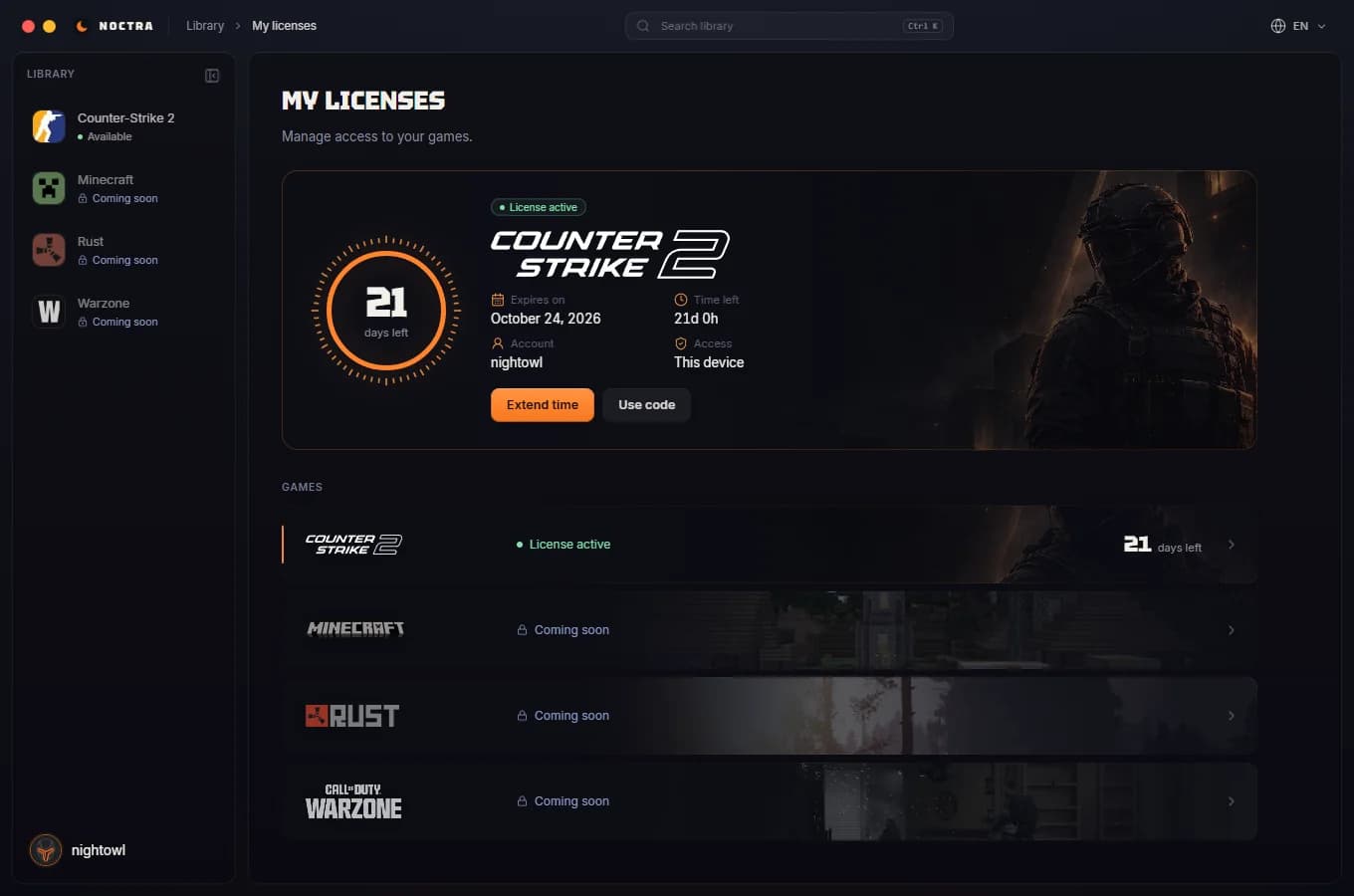
See your license and the days left in the account menu or on the My licenses page, and redeem a code without leaving the loader.
A Windows desktop loader with an embedded interface. Internet access is required for license checks and updates.
Download the launcher, sign in with your Noctra account and your licenses are waiting.
Windows 10/11 · 64-bit